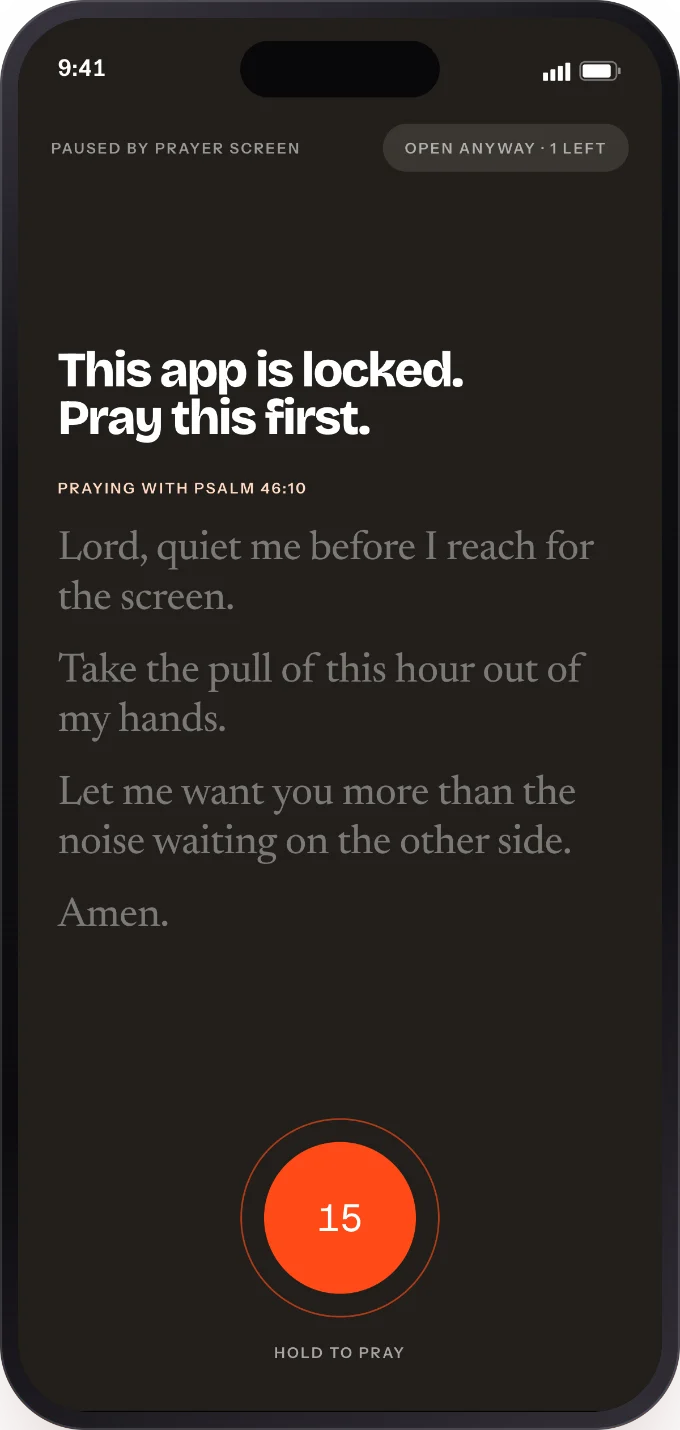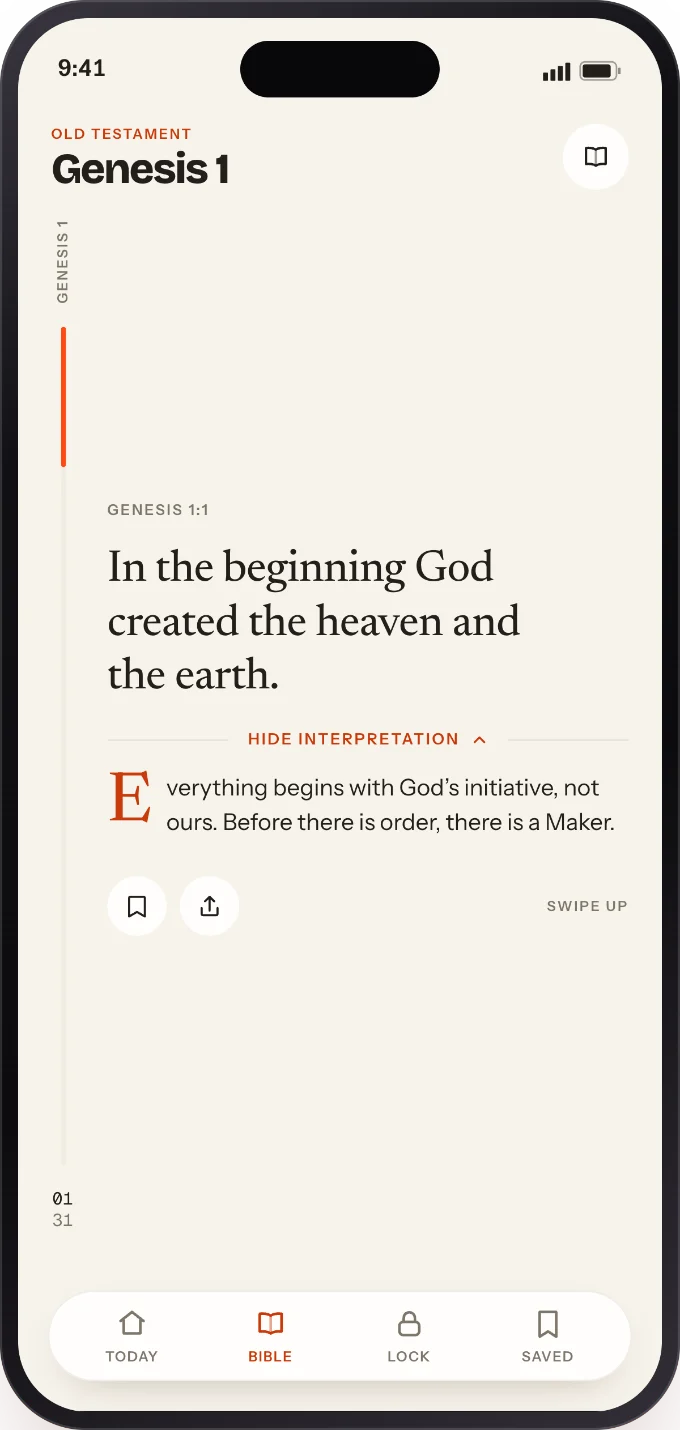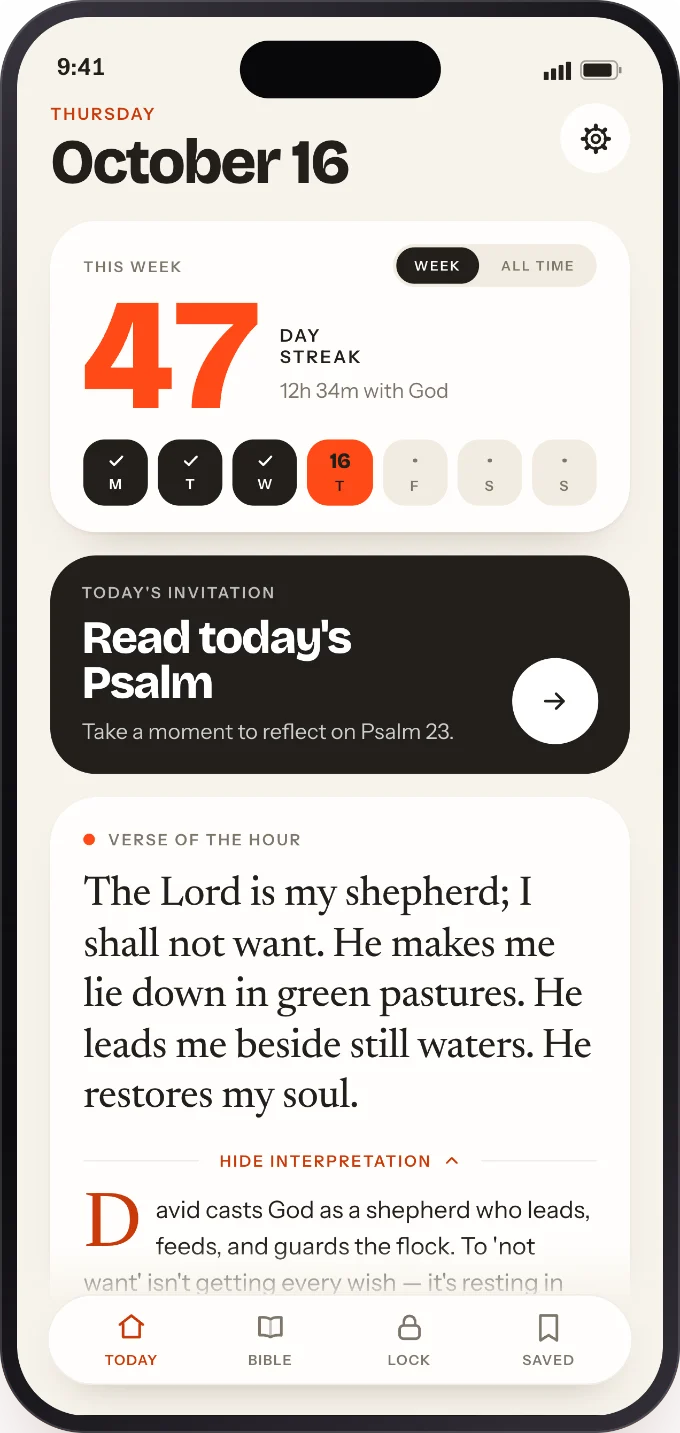
A Bible verse widget for your iPhone.
Put a verse on your Lock Screen and Home Screen. It changes through the day, so the first thing you read is Scripture rather than a notification.
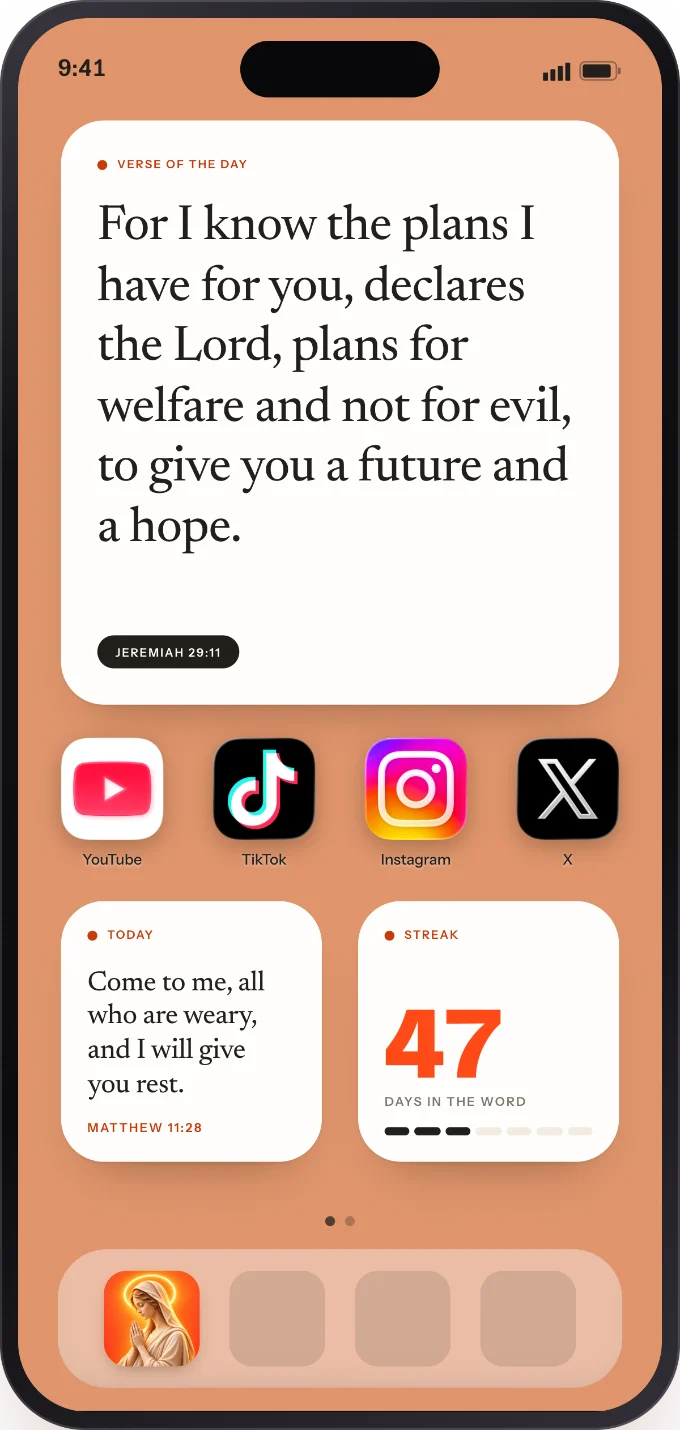
Add the widget in a minute
Lock Screen
Touch and hold your Lock Screen, tap Customize, then Lock Screen. Tap the widget area and choose Prayer Screen.
Home Screen
Touch and hold an empty spot on your Home Screen, tap Edit, then Add Widget, and search for Prayer Screen.
Pick the rhythm
A new verse every hour, or hold one verse all day.
Made for the screen you check most
Every size
Lock Screen, Home Screen and inline sizes.
Free to use
The verse of the day and Lock Screen and Home Screen widgets are free.
Matches your wallpaper
Themes and fonts that fit your setup. Every theme and font comes with Prayer Screen Plus.
Questions
Is the Bible verse widget free?
Yes. The verse of the day and Lock Screen and Home Screen widgets are free. Prayer Screen Plus adds every theme and font.
How often does the verse change?
Every hour, or you can hold one verse all day.
Which widget sizes are there?
Lock Screen, Home Screen and inline sizes.
Can I read more than the verse?
Yes. Open Prayer Screen to read the passage one verse at a time, with a plain-language note.